Studio DeVision email kit
Your animated Gmail signature and your animated Google profile picture.
1. Email signature
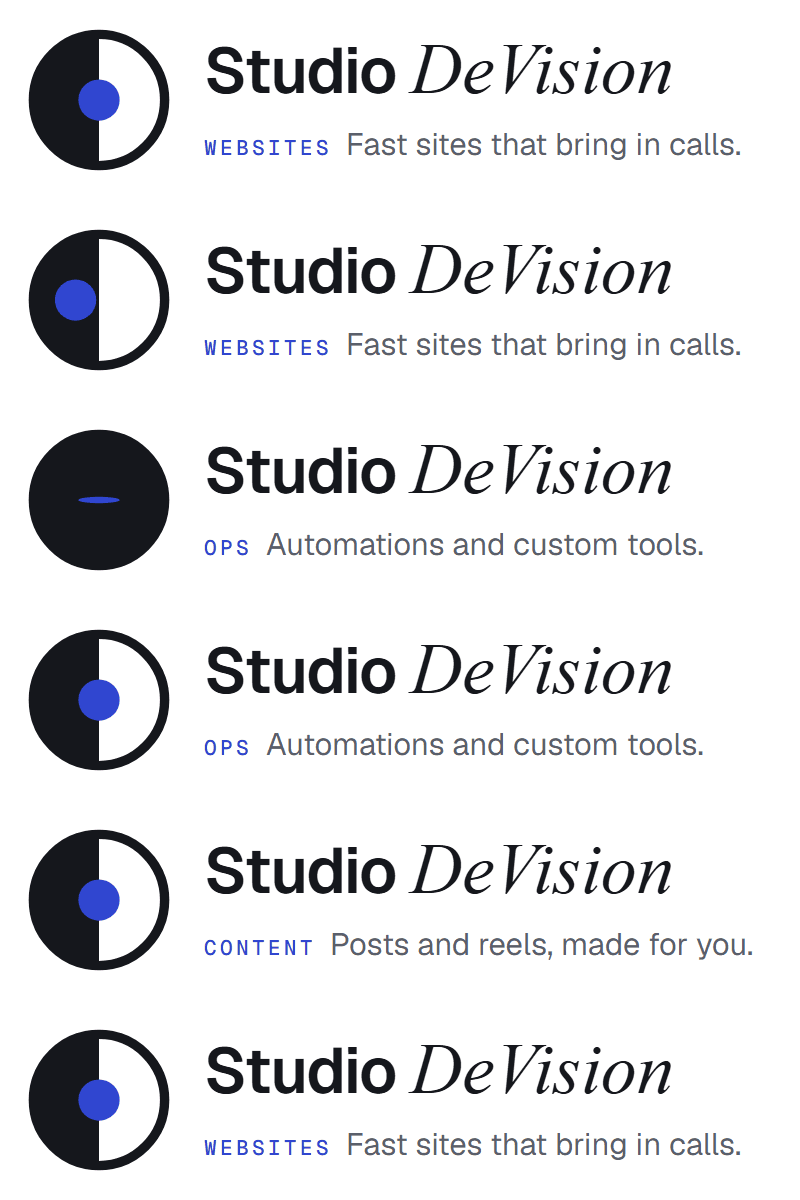 | |
| Dan Antipkin · Founder, Studio DeVision (864) 301-5292 | dan@studiodevision.com studiodevision.com | Free website checkup → |
- Click Copy signature.
- In Gmail: gear icon → See all settings → General tab → scroll to Signature → Create new (name it "Studio").
- Click in the signature box and paste (
Ctrl+V). - Under Signature defaults, pick "Studio" for new emails and for replies.
- Scroll to the bottom and click Save Changes.
The animation plays in Gmail, Apple Mail and iPhone Mail. Outlook on Windows shows the first frame, which is the full logo with "Fast sites that bring in calls", so it still looks finished.
2. Google profile picture

Download the GIF
- Open myaccount.google.com/personal-info signed in as dan@studiodevision.com.
- Profile picture → Change → Upload from computer → pick the GIF.
- Keep the crop centred and click Save.
Google animates the GIF in some places (your account page, Google Chat, some Gmail views) and shows a still in others. The still is the plain logo, so it always looks right.